
Online Booking Systems for UAE Service Businesses: What Really Matters
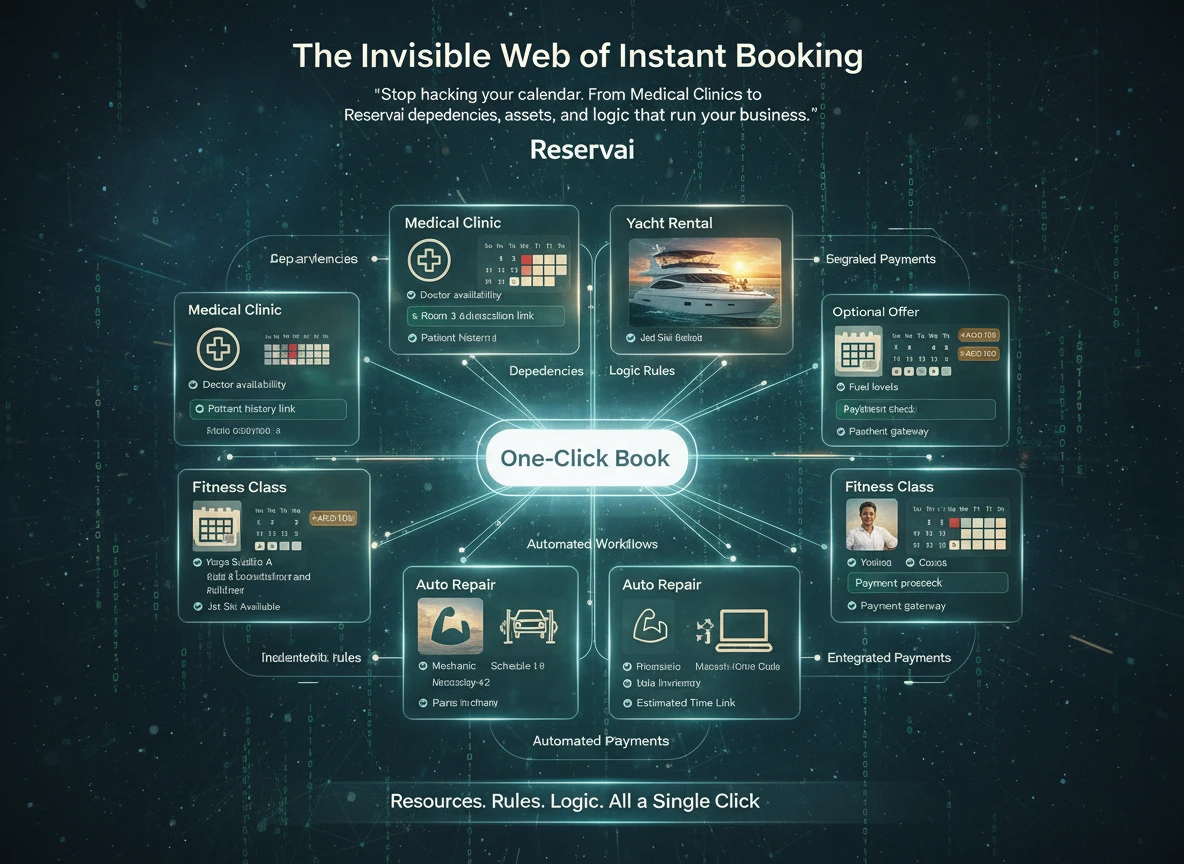
To a customer, online booking looks simple: choose a service, select a time and confirm. For the business, that same booking may depend on an available staff member, a room, a vehicle, a piece of equipment and the right payment option.
That difference matters. A basic calendar can display empty time slots. A capable online booking system needs to understand what must be available before a service can actually be delivered.
For UAE service businesses, the right system should make booking easier without forcing the team to keep checking WhatsApp, spreadsheets and separate calendars. Here is what to look for.
Start with how your business actually sells time
Not every service follows the same scheduling model.
A salon may sell fixed 45-minute appointments. A yacht operator rents an asset for several hours. An equipment company may charge by the day, while a mobile cleaning service may need a duration that changes according to the size of the job and the add-ons selected.
These are different operational models. Trying to force all of them into a standard appointment calendar usually creates manual work for the team.
Before choosing a platform, ask whether it supports the way you sell your service:
- Appointments: Fixed or variable sessions assigned to staff, rooms or treatment areas.
- Rentals: Hourly or daily reservations for vehicles, equipment, venues or other physical assets.
- On-location services: Jobs performed at the customer’s address, often with changing durations and team requirements.
- Multi-part services: Bookings that include add-ons, equipment or additional staff.
The goal is not to find the platform with the longest feature list. It is to find one that reflects how your business already works, while removing the manual steps that slow it down.
A booking may require more than one resource
Many scheduling problems begin when software treats a booking as a relationship between one customer and one calendar.
Consider a laser treatment. The appointment may require a practitioner, a suitable room and a specific machine. The time should only appear to the customer when all three are available.
A yacht charter creates a similar challenge. The vessel is the primary asset, but the booking may also involve crew, equipment and optional extras. If one of those resources is already committed elsewhere, the business needs to know before accepting the reservation.
A resource-aware booking system should be able to:
- Connect staff, equipment and locations to a service.
- Check their availability together.
- Prevent the same resource from being allocated to conflicting bookings.
- Show customers only the times the business can genuinely fulfil.
This reduces the uncomfortable calls where a customer has already received confirmation but the business later discovers that a room, employee or asset is unavailable.
Buffers protect service quality
The time between bookings is often part of the service, even when the customer never sees it.
A salon may need ten minutes to prepare a station. A clinic may require cleaning time after a treatment. A rental company might need an inspection period before an asset can be handed to its next customer.
If that time is managed informally, busy days quickly become unrealistic. Staff run late, preparation is rushed and small delays affect every customer who follows.
A useful booking system lets the business add a buffer after a service and apply it to the resources that need it. The customer sees the real available times, while the team gets the preparation time required to deliver the service properly.
There is no need for a complicated name for this feature. It is simply a practical way to protect your people, equipment and customer experience.
Prevent conflicts before they reach the customer
Overbooking is not limited to accepting two appointments at the same time. It can also happen when the same asset is offered through several services or when capacity is not tracked correctly.
For example, a studio might offer its main room as one service and a room-and-equipment package as another. If both services depend on the same room, bookings made through either option should affect the room’s availability.
When assessing a platform, check how it handles questions such as:
- Can one resource be shared across several services?
- Can a business manage individual assets as well as capacity?
- What happens when an add-on requires a separate resource?
- Does an existing booking block the correct staff member or asset automatically?
- Can different branches maintain their own resources and schedules?
A customer should not need to understand any of this. They should simply see an accurate selection of available services and times.
Booking and payment should belong to the same journey
An online booking process becomes less convenient when the customer must reserve through one channel and arrange payment through another.
Depending on the service, a business may want to collect the full amount, take a deposit, accept payment later or offer cash as an option. The booking platform should support the payment policy of the service rather than forcing every business into the same checkout flow.
Built-in card processing can also reduce the work involved in opening and connecting a separate payment gateway. However, businesses should still review the complete commercial arrangement, including:
- Transaction or commission charges.
- Fixed fees.
- Payout requirements and timing.
- KYC and business-verification requirements.
- Refund and cancellation handling.
- Charges that apply to cash or pay-later bookings.
“Free” booking software can mean several different things. It may refer to no monthly subscription, limited free usage or a commission-based plan. Look at the total cost for the way your customers are likely to book and pay.
Keep a reliable record of what was booked
A booking is an agreement about a service, a date, a price and any extras the customer selected. Those details need to remain clear after checkout.
If a service description or price changes later, the business should still be able to see what applied to an earlier booking. This is particularly important for rentals, packages and services with several optional add-ons.
A well-designed booking record should show:
- The service and resource selected.
- The agreed date, time and duration.
- Selected add-ons.
- The quoted price and payment status.
- Relevant cancellation terms.
- Changes made after the original booking.
Clear records help the team answer customer questions and provide useful context if a cancellation, refund or dispute needs to be reviewed.
Give customers more than a booking link
The customer experience continues after confirmation. People may need to review their booking, check payment information or request a change.
A dedicated customer area reduces routine messages to the business and gives customers confidence that their reservation has been recorded correctly.
The booking journey should also be easy to access. Some businesses need a standalone booking page because they do not have a website. Others want to embed an individual service or their full service list into an existing site.
When testing a platform, complete a booking as if you were a customer using a phone. Count the steps, read the service information and check whether the total price and next action are obvious. A long feature list cannot compensate for a confusing checkout.
A practical checklist for UAE service businesses
Before committing to an online booking system, confirm that it can:
- Support your appointment, rental or service model.
- Coordinate the staff and assets required for each booking.
- Prevent conflicting reservations.
- Add preparation or cleanup buffers.
- Handle your pricing, deposits and add-ons.
- Offer the payment methods your customers use.
- Provide a standalone booking page or website embed.
- Give customers access to their booking information.
- Maintain a clear record of pricing and selections.
- Explain all subscriptions, commissions and overage charges clearly.
Where Reservai fits
Reservai is built for UAE service businesses that need more than a basic meeting calendar. It supports appointments, rentals and services that depend on staff, locations or equipment. Businesses can use a standalone booking page or embed their services into an existing website.
Card processing is available through Reservai Payments without requiring the business to connect a separate gateway. Other payment arrangements, including cash and pay-later options, can be configured according to the service.
Reservai also offers a Free Plan with no monthly subscription fee. Commission and applicable fixed charges are paid when bookings happen, so businesses should review the current pricing for their preferred payment methods before going live.
Not every business needs a complex setup. A solo consultant with one service may only need a straightforward calendar. Complexity becomes valuable when a business has multiple staff members, locations, assets, add-ons or payment rules that must work together.
Frequently asked questions
What is the difference between an appointment scheduler and an online booking system?
An appointment scheduler mainly manages times and calendars. An online booking system can also manage services, resources, pricing, customer records and payments. The exact features differ between platforms.
Can one booking system manage both appointments and rentals?
Yes, provided the platform supports different scheduling and pricing models. Rental businesses should specifically check for hourly or daily availability, resource conflict prevention and capacity management.
Do UAE businesses need their own payment gateway?
That depends on the platform. Some systems require a separate account with a supported payment provider. Reservai Payments processes card bookings without a separate gateway connection, although normal business verification and payout requirements still apply.
Does online booking replace WhatsApp?
It does not have to. WhatsApp can remain an important communication channel, while the booking system becomes the reliable place for availability, pricing, confirmation and payment. Instead of manually arranging every reservation in chat, the business can share a booking link and use WhatsApp where a conversation is genuinely helpful.
Choose the system your operations need
The best booking experience is usually the one customers barely notice. They find the service, see an accurate time, understand the price and receive a clear confirmation.
Behind that simple journey, the business needs dependable scheduling, resource availability, payment handling and booking records. Choosing a system around those operational needs will create more value than choosing one based on the number of features shown on its pricing page.
If your business needs to coordinate appointments, rentals, staff or equipment, explore the Reservai online booking platform for UAE service businesses.