
Online Booking System UAE: Set Up Your Service Business in 30 Minutes
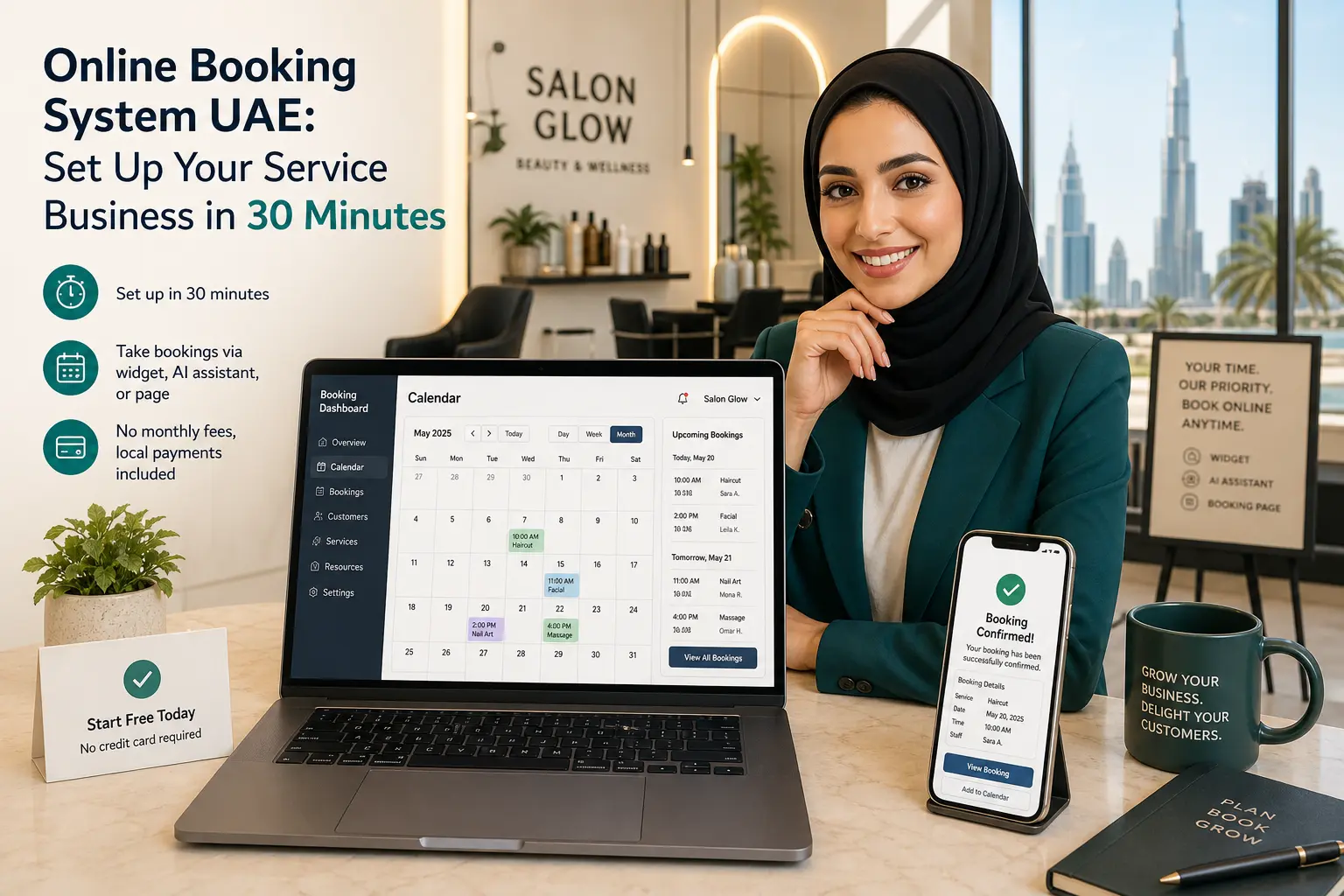
Why your UAE service business needs an online booking system
I used to miss bookings every evening. My cleaning crew finishes by 5pm, but calls and WhatsApp messages still come in after 8pm. By the time I reply the next morning, the customer has already found someone else. If you run a service business in the UAE — a salon, a car rental, a clinic — you know this feeling. When your phone goes off, so does your income.
An online booking system fixes that overnight. Your customers can see your real availability and book a slot whenever they want, even at midnight. They don't need to call or send a "DM to book" that gets lost. Instead, they land on your booking page or a widget on your website, pick a service, choose a time, and pay. You wake up to a confirmed booking.
UAE customers expect speed. They're used to ordering groceries, hailing rides, and paying bills on their phones. A smooth booking experience shows your business is modern and reliable. A system that sends automated confirmation emails and SMS reminders, as well as enabling deposit, slashes no-shows. Add OTP verification — where the customer confirms their identity with a one‑time code — and you virtually eliminate fake bookings.
Best of all, a system built for the UAE handles dirhams, VAT, and local payment habits right out of the box. You don't have to hack settings or add plug‑ins. It just works, whether you accept cards, cash on delivery, or a wallet top‑up. And if you ever want to try an AI that books for you while you sleep, there's an option for that too.
What to look for in an online booking system for the UAE
Not every booking system fits a UAE service business. Some demand a monthly fee before you've earned a dirham. Others make you set up a separate payment gateway — Stripe, PayPal, bank integration — and then you still have to handle cash payments manually. Here's what actually matters when you're choosing one.
Payments should come baked in. Look for a system that lets you accept cards, cash on delivery, and even a customer wallet without needing your own merchant account. That way, you go live faster and avoid months of paperwork. Reservai, for example, gives you built‑in card processing, cash handling, and a wallet system. You can also connect your own Stripe or PayPal later if you prefer.
Your catalog isn't flat. A cleaning company might charge by the bedroom. A yacht rental goes by the day. A salon might sell a monthly package of threading sessions. The system needs to handle fixed, hourly, daily, and attribute‑based pricing, plus recurring bookings that can be paid upfront or per visit. Add‑ons — a jet‑ski with that charter, carpet steaming with that deep clean, insurance with that car rental — should stack neatly at checkout without confusing the customer.
Operational complexity is real. You might have two branches with different closing days. Staff who only work specific shifts. Equipment that needs a buffer for cleaning between rentals. A good booking system lets you set multiple resources (staff, rooms, vehicles), assign them to branches, and define availability as weekly, a date range, or even specific dates. Then it calculates slots automatically and never double‑books.
Local defaults save hours. AED should be your default currency. Asia/Dubai timezone. VAT auto‑applied at the prescribed rate. These sound small, but if you've ever configured a generic tool that defaults to US dollars and Eastern time, you know the frustration.
A free plan with no catches. You shouldn't need a credit card just to try the system. If a platform works on a pay‑only‑when‑paid model — a small commission taken only when a booking is actually paid — you can test it with real customers, risk‑free. Upgrade anytime you want more features or higher limits.
The 8-step Setup Wizard: from business basics to go-live in 30 minutes
When you first sign up, Reservai's Setup Wizard walks you through everything. It's an 8‑step guided flow that most providers finish in 15 to 30 minutes — not days. Nobody is holding up a phone or scheduling a call. You just fill in your details, click next, and by the end you have a live booking page.
Here's the quick map of all eight steps:
- Business basics — name, type, contact, and a logo.
- Branches — each location with its own address, hours, and holidays.
- Resources — the staff, rooms, vehicles, or equipment that customers actually book.
- Availability — what days and times each resource works, including buffer time.
- Services — each bookable offering with its pricing model, duration, deposit rules, and recurring schedule.
- Add‑ons — optional paid extras like insurance, an extra hour, or a steam clean.
- Payment setup — choose built‑in managed payments or connect your own Stripe/PayPal.
- Review & go live — check everything once and publish.
Steps 1–4: business basics, branches, resources, availability
Start by telling the system about your business — nothing fancy, just your trading name, a contact email, maybe your trade licence number if you're in the UAE mainland. Upload a logo and pick an accent color. That's the branding customers will see on your booking page.
Add your branches next. A salon with one location adds that address and its opening hours. A car rental with counters in Deira and Marina drops both, each with separate holiday calendars. The system later pins services to the right branches so a customer in Marina never accidentally books the Deira counter for same‑day pickup.
Now define resources — the actual bookable things. You choose from Staff, Equipment, Vehicle, Room, Facility, or Asset. A cleaning company might set two staff as operational resources (each can handle one job at a time) and a van as an equipment resource. A clinic adds doctors as staff and consulting rooms as rooms. Each resource gets attached to its branch.
Availability is where schedules come in. You set a weekly timetable, a date range for seasonal operations, or specific dates for holidays. You can also add a slot gap — a buffer after each booking. A personal training studio might set a 15‑minute buffer after a 60‑minute session to wipe down equipment. A yacht charter might block 30 minutes for cleaning between trips. When a customer picks a time, the system adds the buffer automatically, so nobody ever books back‑to‑back.
Steps 5–8: services, add-ons, payment setup, review
With your resources ready, you create services. Each service defines what's being sold and how it's priced. A cleaning service might be Fixed at AED 199 per visit. A yacht charter is Daily at AED 3,000. A home maintenance visit could be Hourly. If you run a laundry, you'd choose Attribute‑based pricing so the customer can select the number of items and get an instant quote.
Each service also lets you set a deposit percentage to secure prepayment, and whether the service can be booked once or on a recurring pattern (weekly, bi‑weekly). Recurring services can be paid per occurrence or fully upfront.
Add‑ons sit in a separate step so they stay organized. A boat rental might offer a jet‑ski as an add‑on, charged per day. A cleaning company might offer carpet steaming as a one‑time extra. A salon could list keratin treatment as an optional add‑on with a fixed upgrade price. Add‑ons can be required or optional, and they show up right at checkout.
Payment setup is where you decide how you'll collect money. Reservai‑managed payments handle cards, cash, and wallet — nothing else to configure. If you already have a Stripe or PayPal account, you can connect it and keep your existing settlement flow. Both options handle VAT automatically on every quote, booking, and invoice.
The final step is Review. You see a preview of your booking page and a summary of all your settings. One click publishes everything. Your booking page is live. You'll also get an embeddable widget code you can place on your own website in minutes.
How the booking wizard works for your customers
Once you're live, customers follow a clear, seven‑step flow on any device. They choose a branch, then a resource (or the system picks one from a pool if you allow it). Next they see your add‑ons and pick any they want. Then they select a date and time from the live calendar.
They enter their contact details, and the system sends an OTP code to verify their email or phone. This step alone stops most fake bookings. The booking walks into a cart where they see the total — service price, add‑ons, deposit, VAT — broken down clearly. No surprises. Payment follows immediately if they pay online, or they can choose cash on delivery. After payment, they land on a confirmation screen and receive an email/SMS with all details.
Customers don't need an account. A guest can book by entering their info once. They get a one‑time code to manage their booking later: reschedule, cancel, view receipts. That removes friction for first‑time customers while still giving them control.
The booking wizard works exactly the same whether it starts from your Reservai booking page, a widget on your website, or the AI chat assistant. Which of those you offer is up to you.
Three ways to let customers book: booking page, widget, or AI assistant
Reservai gives you three channels to collect bookings, and you can use one, two, or all three.
Standalone booking page. Every provider gets a branded booking page that lists all published services. The URL looks like yourbrand.reservai.ae. You can link it from your Instagram bio, Facebook page, or Google Business Profile. Many UAE businesses use it as their primary online front desk.
Embeddable widget. If you have your own website, you can embed a booking flow directly on it. There are three widget types: a single‑service widget for promoting one specific offering, an all‑services widget that mirrors your entire booking portal, and the AI chat widget that lets customers talk to book. The embed snippet is a few lines of HTML, and it only works on domains you've whitelisted — so nobody can copy your code and start taking bookings on their own site.
AI booking assistant. This is an optional paid add‑on that replaces the standard form with a natural chat. A customer types something like "I need a haircut for two people on Saturday morning" and the AI checks availability, suggests times, applies add‑ons if relevant, gives the exact price, and collects payment — all within a conversation. No drop‑downs, no date pickers. It works 24/7 and never gets tired or confused. The AI assistant can be added to your booking page or embedded as a widget on your site.
All three channels use the same backend: availability, pricing, VAT, payment — so you never worry about overselling. The difference is just how the customer interacts with it.
Why a free plan with pay-only-when-paid commission is the low-risk choice
The biggest reason UAE business owners hesitate to adopt an online booking system is cost. They've heard of tools that charge AED 500 a month before you've even processed a single booking. Reservai's free plan turns that model inside out. There is no monthly fee, and you don't need a credit card to sign up.
You pay a small commission only when a booking is actually paid. If a customer books but doesn't show up and doesn't pay, commission does not apply. If someone cancels before the deadline and gets a full refund, no cost accrues. That means your first dirham of revenue from the system has zero upfront expense. You validate that the system works for your business with real bookings, not a sandbox demo.
The free plan gives you generous limits on branches, staff, and services. If you outgrow it, paid plans are available with higher limits and priority support. You can upgrade or downgrade anytime — no lock‑in, no contract, no hidden removal fees. Start small with one branch and three services. Expand when you're ready. The platform grows with you.
Key takeaways
- An online booking system captures after‑hours bookings and reduces no‑shows with automated reminders and OTP verification.
- The 8‑step Setup Wizard gets most UAE service businesses live in 15–30 minutes.
- Customers can book through a dedicated page, an embeddable widget on your site, or an AI chat assistant that handles the whole conversation.
- A free plan with pay‑only‑when‑paid commission means you risk nothing while testing the system.
Frequently asked questions
How long does it take to set up an online booking system in the UAE?
With Reservai's Setup Wizard, most providers go from sign‑up to a published booking page in 15 to 30 minutes. You don't need technical help or a long onboarding call. All you need are your business details, branch addresses, and a rough idea of your services and hours.
What payment methods can I accept with an online booking system?
Through Reservai, you can accept credit and debit cards, cash on delivery, and payments from a customer wallet — all managed out of the box. If you prefer to use your existing Stripe or PayPal account, you can connect that and keep your current settlement flow. Every payment method is reflected instantly in your booking list with a status you can track.
Can I add a booking widget to my website?
Yes. Reservai provides an embeddable widget you can place on any page of your own website. You can embed a single service, your full booking portal, or the AI chat assistant. The widget is secured by an allowed‑domains setting, so it only functions on websites you own or approve.
Do I need a credit card to start with a free booking system?
No. Reservai's free plan requires no credit card and has no monthly fee. You only pay a commission when a booking is actually paid. You can sign up, set up your catalog, and begin accepting bookings — all without entering payment details.
Ready to take your UAE service business online? Start booking with Reservai today — it's free, no credit card needed.